
 Built for Shopify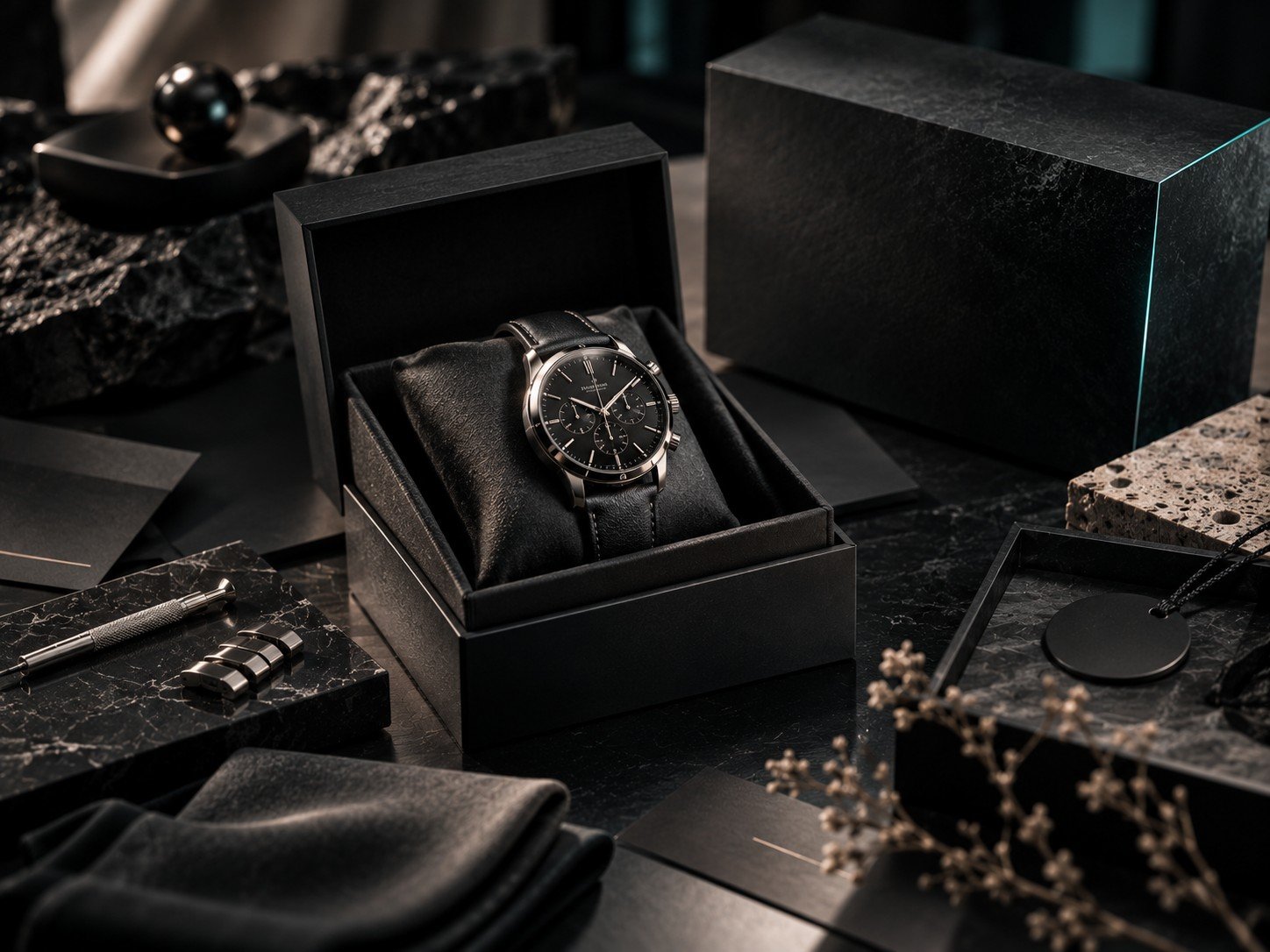
Conversion rate rarely comes down to one big redesign. It's usually a handful of small product page details, each worth a fraction of a percent on their own, that add up to a noticeably better result over a few months. None of what follows requires a developer - most of it is a section or setting already sitting inside your theme editor, unused.
Shoppers don't leave because your product is wrong. They leave because a small question went unanswered.
Why Small Details Matter More Than They Seem
A shopper on your product page has already decided the product is interesting - that's why they clicked. What happens next is a series of small, silent objections: "will this fit," "is this actually good quality," "what if I need to return it." Every one of those left unanswered is a reason to close the tab and keep comparing elsewhere.
The Details That Add Up
- High-resolution, zoomable product photography from multiple angles
- Size guides or fit information placed next to the variant selector, not buried in a tab
- Reviews and ratings visible above the fold, not just at the bottom of the page
- Clear shipping and return information near the add-to-cart button
- A sticky add-to-cart bar on mobile so the buy button is always reachable
Each of these answers a question a shopper would otherwise have to leave the page to solve - and every extra step, every new tab, is a chance for them not to come back.
Where Most Stores Get This Wrong
The most common mistake isn't missing these elements entirely - it's placing them somewhere a shopper has to go looking for them. A size guide that exists but is hidden three tabs deep might as well not exist. Reviews that only appear after a long scroll rarely get seen by the shoppers who needed them most, right at the moment of hesitation near the buy button.
Photography Does More Work Than Most Stores Realize
A single low-resolution or poorly-lit photo can undo everything else on the page. Shoppers use imagery as a proxy for product quality - fairly or not, a crisp, well-lit photo from multiple angles signals a more trustworthy, more established brand than a blurry single shot ever will. If you can only invest in one thing before your next product launch, invest in photography before copy.
Let Customers Answer Each Other's Questions
Reviews that include a photo or mention specific details - fit, color accuracy, how it held up after a month - do more to reduce hesitation than a star rating alone. Encourage detailed reviews by asking specific questions in your post-purchase email rather than a generic "leave a review" request, and feature the most detailed ones near the top of your review section.
A Simple Order to Prioritize Them In
If you can only fix one thing this week, start with whichever objection costs you the most customers. For apparel and footwear, that's almost always sizing. For anything with mixed reviews or a newer brand, it's social proof. For higher-priced items, it's shipping and return clarity - customers hesitate more when the cost of being wrong feels higher.
These same product-page fundamentals are part of why certain themes quietly cost stores sales - a layout that makes these details hard to add is working against you before you've written a single word of copy.

Ready to Rebuild Your Product Pages?
Start fresh on a platform where these details are built in, not bolted on.
This is an affiliate link - we may earn a commission at no additional cost to you.
Frequently Asked Questions
Which product page detail has the biggest impact?
It depends on your category, but social proof (reviews and ratings) and sizing information tend to remove the most hesitation across the widest range of products.
Do I need a review app to show ratings?
Most Shopify apps for reviews integrate directly into your theme's product page sections, so no custom development is usually needed.
Should shipping info be on every product page or just checkout?
Both. Seeing it early, near the add-to-cart button, prevents the objection from forming in the first place, rather than surfacing it for the first time at checkout.
How do I know which detail is missing on my own store?
Ask a friend unfamiliar with the product to shop your page and narrate their questions out loud - the ones they can't immediately answer are your gaps.